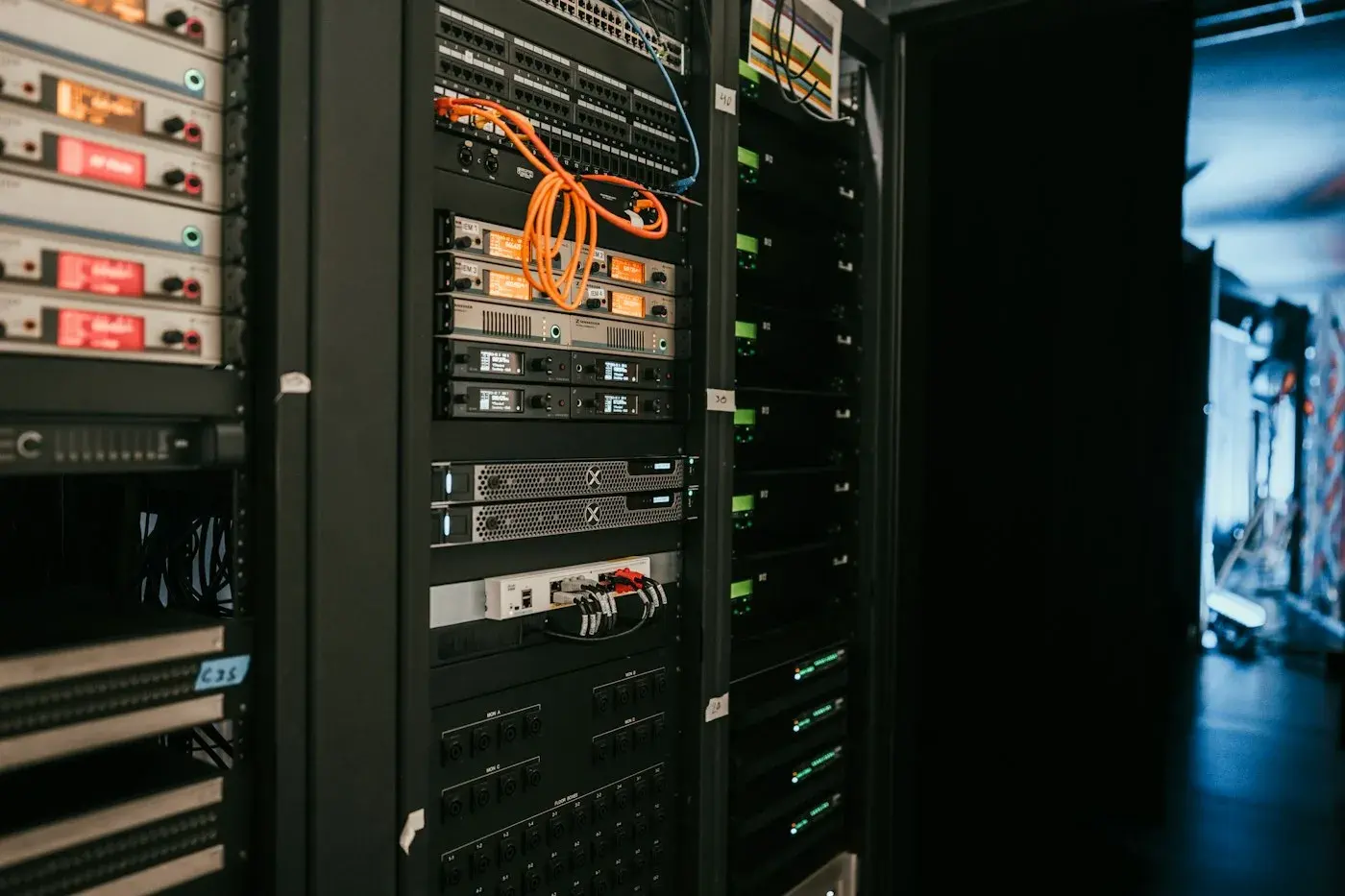
CPU and Memory
Usage per server, host and virtual machine, with trends over time.



HomeeG InnovationsServers and Virtualization
eG Enterprise MAIT · Abu Dhabi since 2014
Physical servers, virtual machines and hypervisors carry every application you run. eG Enterprise watches CPU, memory, disk and resource contention across all of them in one view, so capacity problems are spotted before they slow anyone down. MAIT, an authorized eG Innovations partner, deploys and supports it across the UAE.
Overview
Virtualization lets many workloads share the same hardware. That saves money, but it also means one busy virtual machine can quietly slow down everything else on the same host.
eG Enterprise monitors physical servers, virtual machines and the hypervisors under them together, and shows which workload is using which resource. MAIT sets it up across your server estate, tunes the thresholds to your environment and trains your team to act on what it shows.

What it watches
Each layer of your server estate can hide its own problems. eG Enterprise watches all three and links them.
Track CPU, memory, disk space, disk activity and running services on the servers in your data centre or server room, and get warned before a disk fills or a service stops.
Talk to us about thisSee how each virtual machine uses its share of the host, and which ones are short of resources or using far more than they should.
Talk to us about thisMonitor common hypervisors such as VMware vSphere and Microsoft Hyper-V, including contention between virtual machines that share the same host.
Talk to us about thisNot sure where your capacity goes?
Our Abu Dhabi team runs a free demo, answers your questions and gives you a clear quote for your environment.
Features
We switch on the views your team will actually use, then add more as your estate grows.
Usage per server, host and virtual machine, with trends over time.
Warnings before a disk fills up or storage access slows down.
See when virtual machines compete for the same host resources.
Know when a critical service stops or a process runs away.
Use history to plan new hardware before you run out.
Find virtual machines with too much or too little allocated.
See which applications depend on each server.
Useful alerts for your team and summaries for management.
Capacity
Without good data, teams either buy servers too early to be safe, or find out too late when users start to complain. Both cost money. Virtualization makes this harder, because the warning signs are spread across many hosts and virtual machines.
eG Enterprise keeps a history of how your servers and virtual machines are used. That shows which hosts are close to their limits, which virtual machines are oversized, and where workloads could be moved, so budget decisions rest on real usage.
Honest advice
It suits organizations that run their own servers or a virtualized estate and want one view across it. A different route may fit better if:
How it happens
You review each stage with us, so monitoring covers the servers that matter and alerts reach the right people.
Start With a DemoWe list your physical servers, hypervisors and key virtual machines, and what runs on them.
We recommend the eG Enterprise modules you need, agent-based or agentless monitoring, and on-premises or SaaS.
We deploy the platform and bring your hosts and virtual machines into one view.
We adjust alerts to your normal workload, so your team is not flooded with noise.
We train your team on dashboards and capacity reports and support you locally.
Client feedback
We partnered with MAIT for software development and ongoing support. Their expertise and commitment truly set them apart in the UAE market.
The MAIT team is highly professional and responsive. From consultation to delivery, everything was handled smoothly and on time.
MAIT delivered exactly what we needed. Their MAIT solutions improved our system performance and helped us streamline operations without any disruption.
FAQ
Still not sure? Our Abu Dhabi team gives straight answers.
eG Enterprise supports widely used hypervisors such as VMware vSphere and Microsoft Hyper-V, among others. During the free demo we check your exact platforms and versions and confirm how each would be monitored.
Not always. eG Enterprise offers both agent-based and agentless monitoring. Agents give deeper detail, while agentless monitoring suits systems where installing software is not allowed. We recommend the right mix for your environment.
Yes. eG Enterprise keeps a history of how your servers and virtual machines are used, which shows which hosts are near their limits and which virtual machines are oversized. That gives you evidence for hardware and budget decisions.
Yes. eG Enterprise is designed to give one view across on-premises systems and cloud services, so moving some workloads to the cloud does not leave blind spots.
Licensing is modular and depends on what you monitor. MAIT reviews your server estate, recommends a starting set of modules and gives you a clear quote. You can add more later as your environment grows.
Also from MAIT
Talk to MAIT
A rough count of hosts and what runs on them is enough to start. Our Abu Dhabi team replies with next steps, a demo and a clear quote.
MAIT builds custom software, mobile apps, POS systems, and enterprise solutions for businesses across the UAE. Trusted IT partner since 2014.
Get a Free Consultation